

AI and you
Every employee can open AI and you under My work to see how Akollo's AI features treat their data.
Open My work
Choose My work in the sidebar.
Open AI and you
Open AI and you. The page shows what the AI features can see about you, what they never do and what is recorded.
At the top, AI in your organization shows one of three states:
| State | What it means |
|---|---|
| You can use the AI features | AI is on, and you have access. |
| AI is switched off in your organization | No request from the AI features (assistant, questions, summaries, planning, automations) reaches a model. |
| Your organization has not given you access to the AI features | You cannot use them yourself. Summaries your manager approves can still reach you. |
What AI can see about you
AI features read only what the person using them is allowed to see. When your manager asks a question, the AI sees the records your manager could open anyway, such as your tasks, recorded time and leave days. It never sees the reason for a leave.
What AI never does
- It never infers your health, personality, mood or intentions.
- It does not decide on its own: a person confirms every change and every assignment it suggests.
Where it runs
Requests go only to the models your organization has approved. Restricted data never leaves your organization's own servers.
What is recorded
Each AI request is logged: who asked, which feature, when and the outcome. The content is not logged.
| Record | What it holds | How long it is kept |
|---|---|---|
| AI request log | Who asked, which feature, when, the outcome | At least six months, usually about 13 months, then deleted. Longer only under a legal hold. |
| Assistant conversation | Your conversation with the assistant | Deleted 90 days after the last message, or as soon as you delete it |
Note
Screen recording, and any analysis of screenshots your organization has turned on, is explained in your recording notice and has its own switch.
Your rights
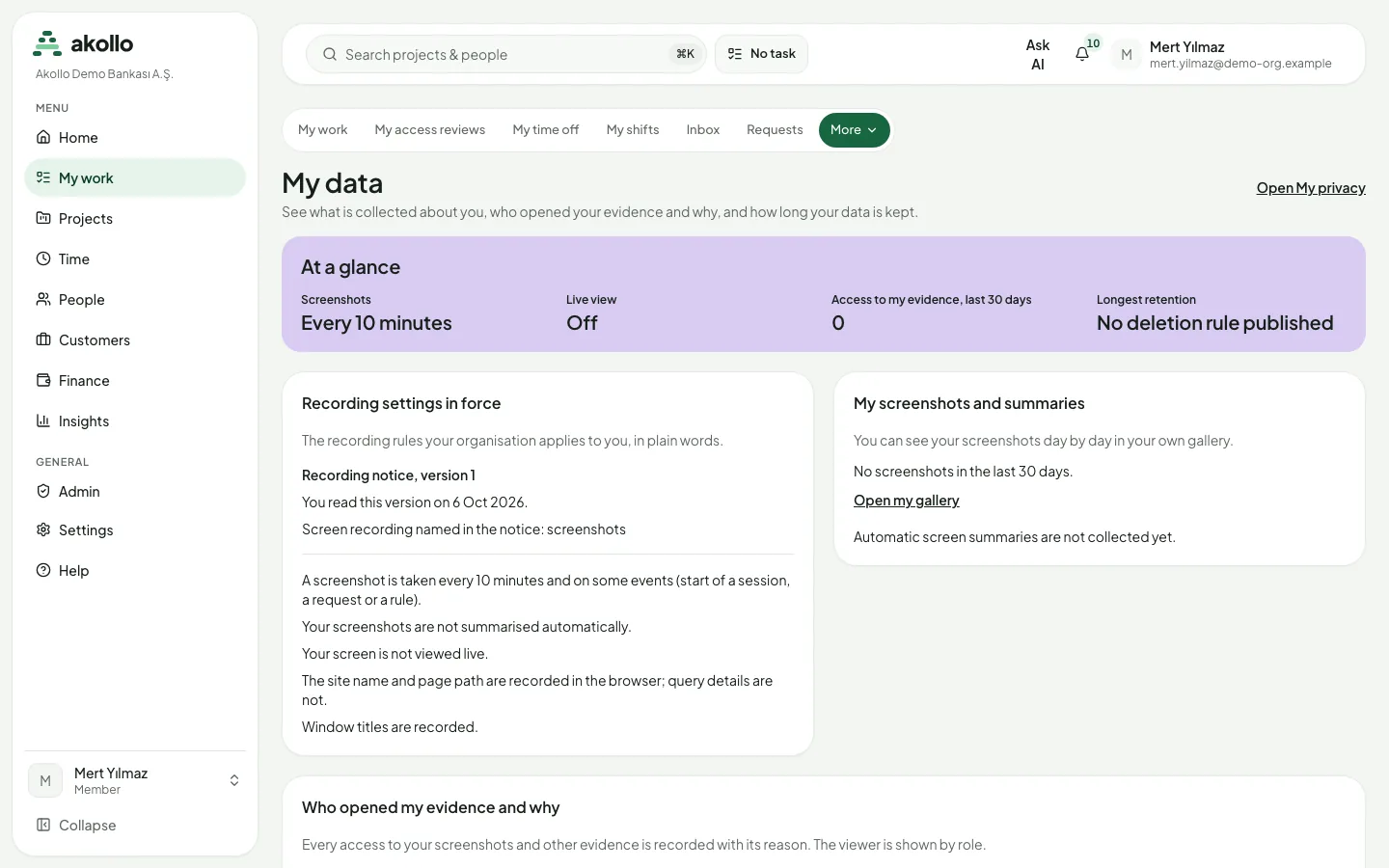
You can give feedback on any AI output and object to evidence used about you. To see or correct the data held about you, choose Open My data.
FAQ
No. When your manager asks about you, the AI can see your leave days if your manager could open them anyway, but it never sees the reason for a leave.
No. It never infers your health, personality, mood or intentions.
No. A person confirms every change and every assignment it suggests.
No. The log holds who asked, which feature, when and the outcome, not the content. Your assistant conversations are deleted 90 days after the last message, or as soon as you delete them.
Yes. Summaries your manager approves can still reach you.
You can object to evidence used about you and give feedback on any AI output. To see or correct your data, open My data.
Related pages
What assistance can see
A model call receives only the fields a question needs, and no one sees records through assistance that they could not open themselves.
Connected systems
Connect Akollo to outside systems: browse the connector catalogue, set up a connection, manage its owners and credentials, and follow its syncs.